
-
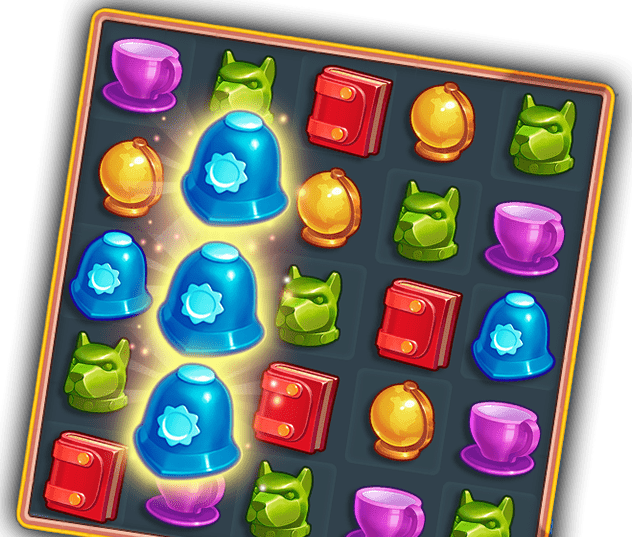
Sherlock・Hidden Object・Match 3




-
Hidden City®: Hidden Objects & Pictures




-
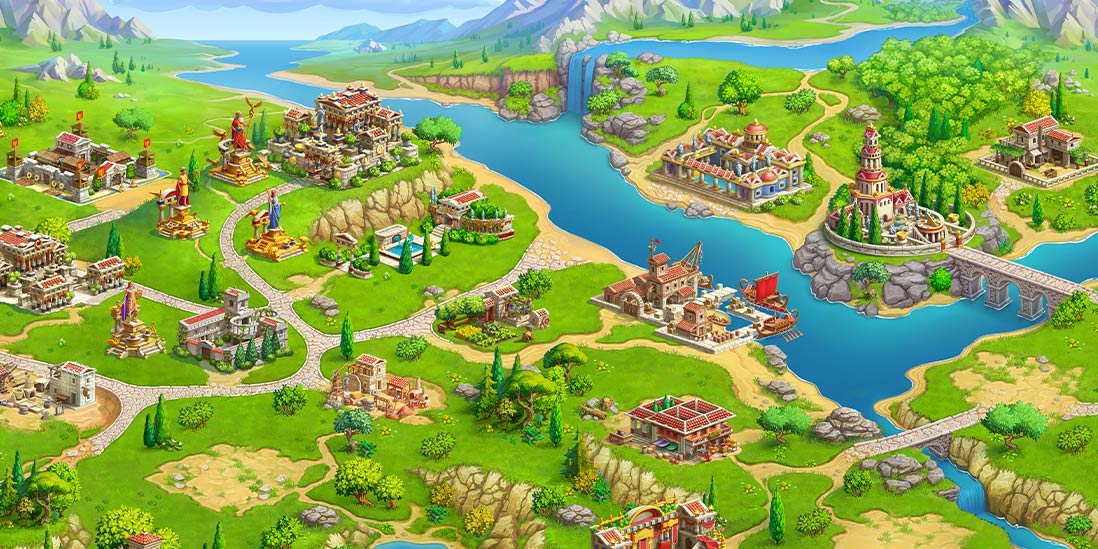
Jewels of Rome®・Building Empire



-
The Secret Society® - Seek & Find Hidden Objects




-
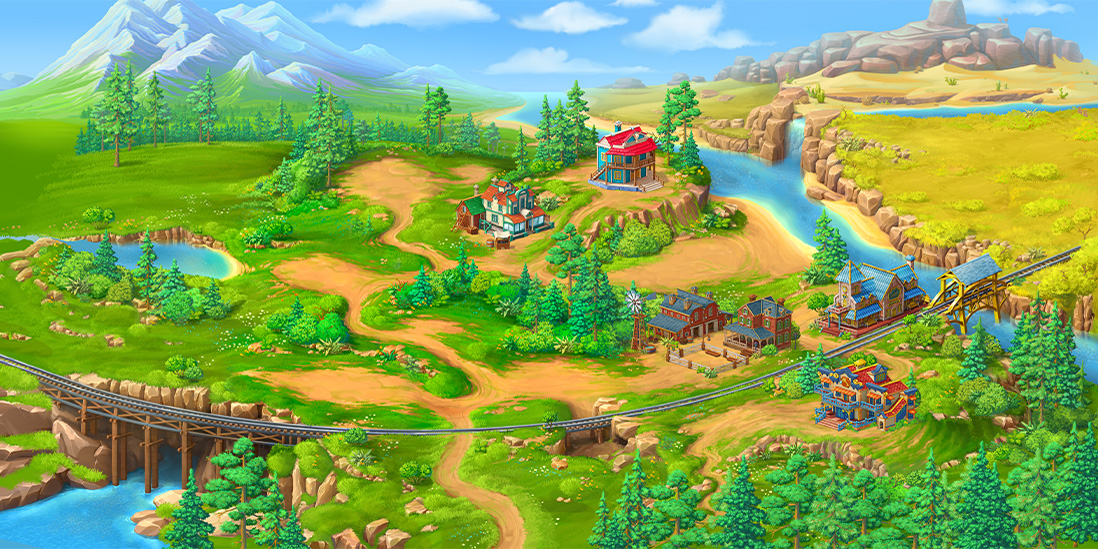
Jewels of the Wild West®: Gems puzzles & Diamond quests



-
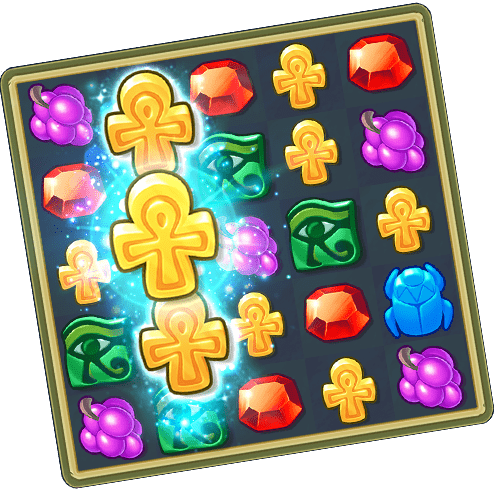
Jewels of Egypt®: Match 3 Games



-
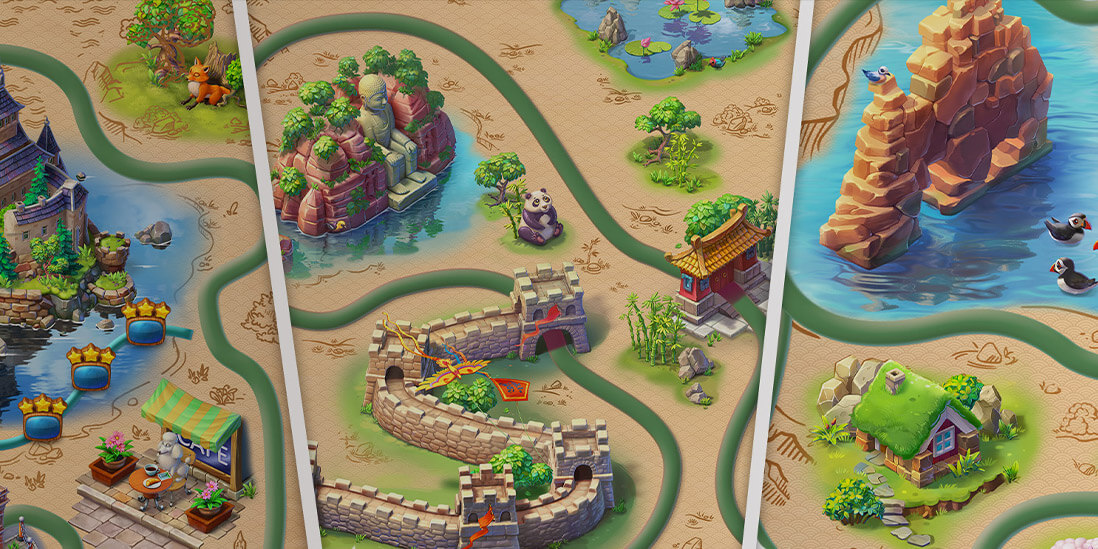
Mahjong Journey®: Tile Match



-
Homicide Squad®: Hidden Objects




-
Crime Mysteries® Hidden Murder




-
Twilight Land: Hidden Objects




-
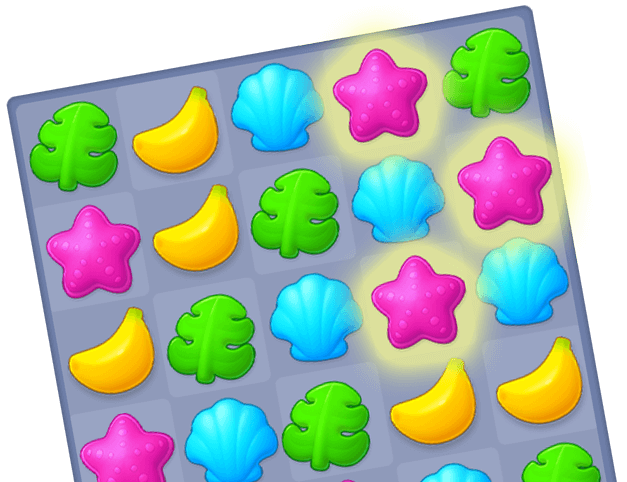
Hawaii Match-3 Mania®: Design




-
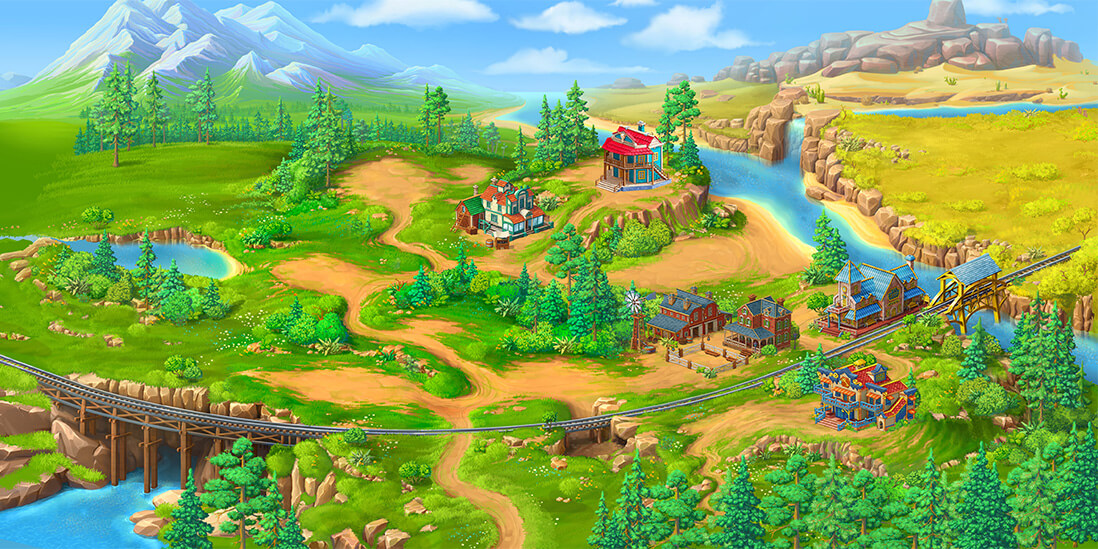
Sheriff of Mahjong®: Tile Match



-
Emperor of Mahjong®: Connect pair matching puzzle

-
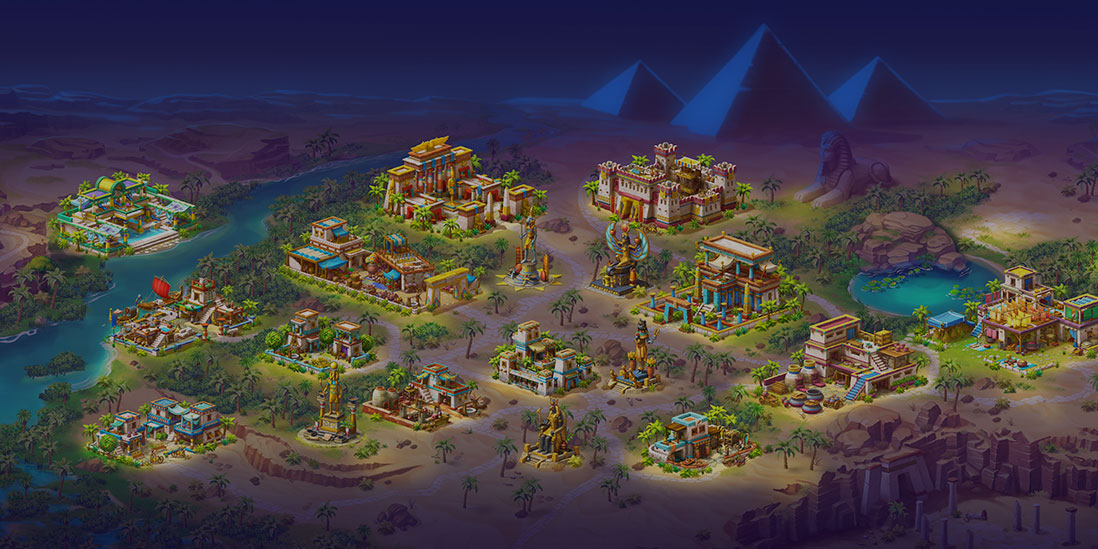
Pyramid of Mahjong: Master tile matching puzzle


-
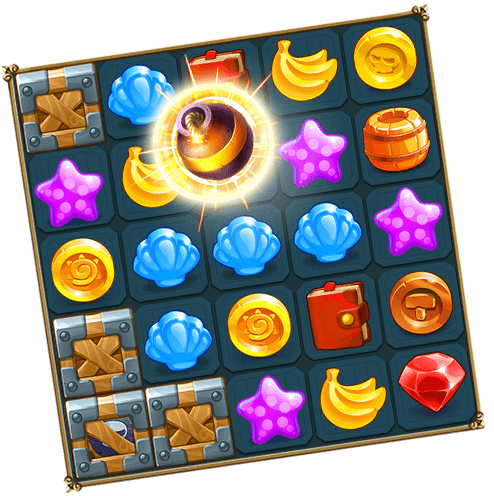
The Hidden Treasures: Find journey notes & objects




-
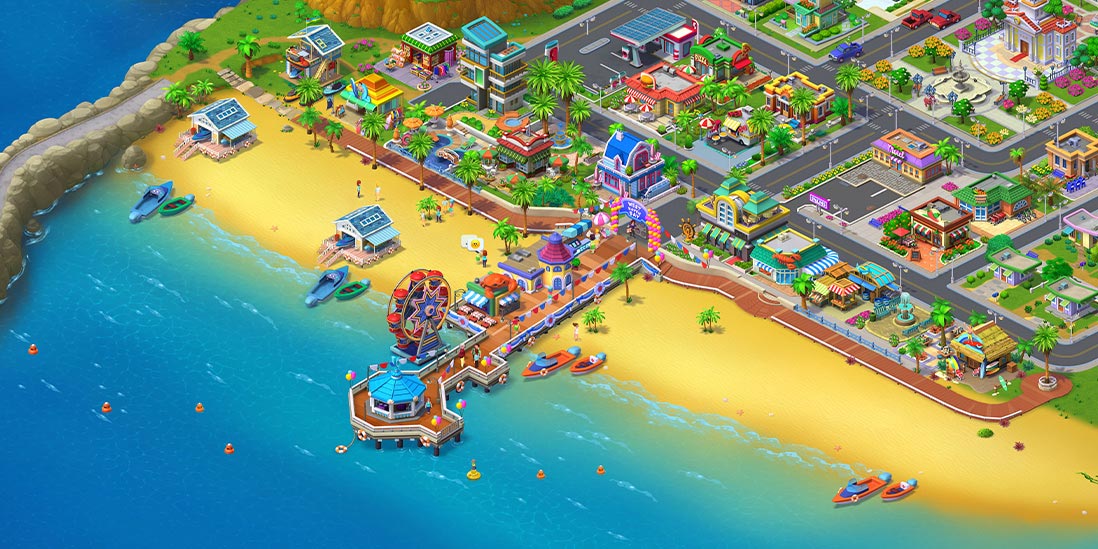
Match Town Makeover®・My Match 3



-
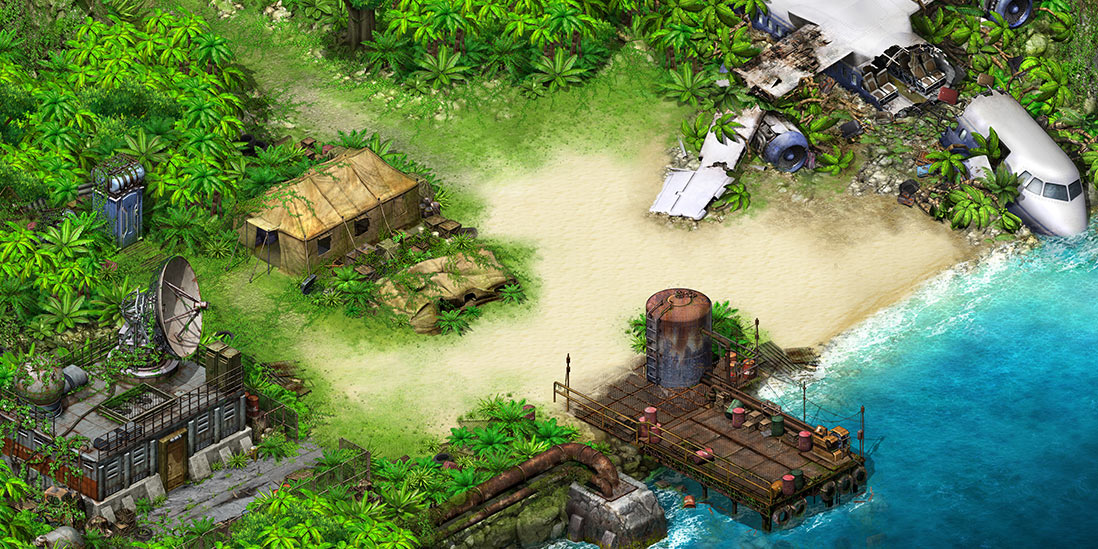
Survivors: the Quest®



-
Supermarket Mania® Journey




-
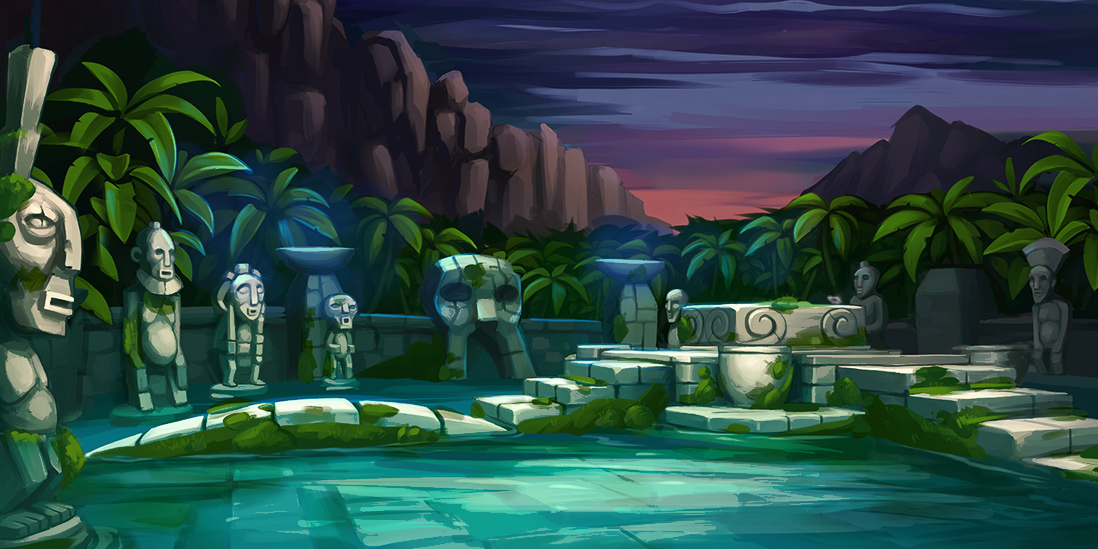
The Island Castaway: Lost World®



-
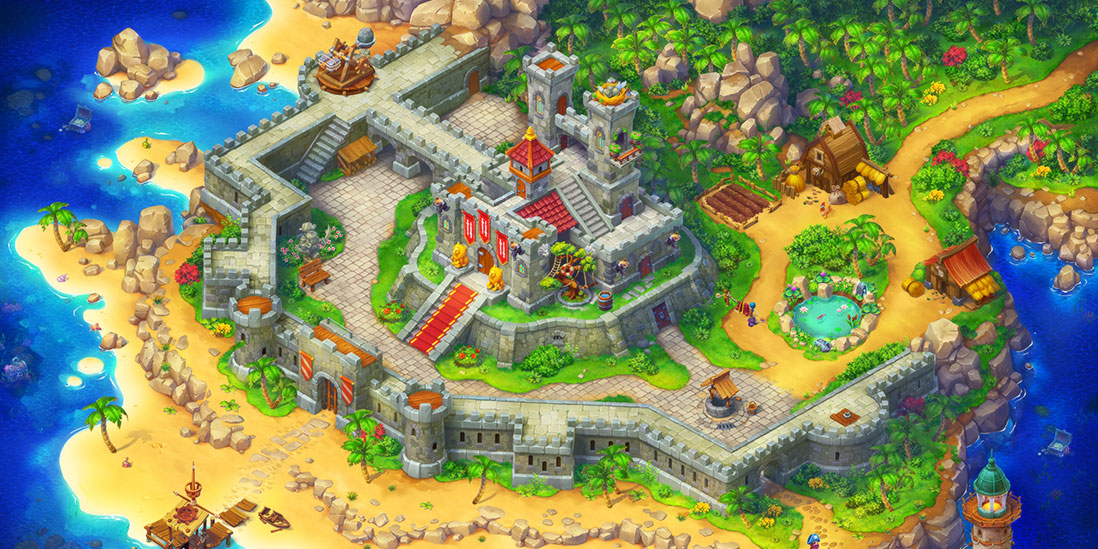
Pirates & Pearls®: Match, build & design

-
The Paranormal Society®: Hidden Object Adventure




-
Virtual City Playground®: Building Tycoon




-
Stand O’Food® City: Virtual Frenzy




-
Hidden Epee — Mystery Game




-
Supermarket Mania® - Match 3: Shopping Adventure Frenzy




-
Letters From Nowhere®: A Hidden Object Mystery




-
Farm Clan®: Farm Life Adventure




-
Mystery of the Opera®: The Phantom's Secret



-
Mary’s Mahjong: City Building




-
Twin Moons®: Object Finding Game



Adventure Games — Free to Download & Play
Free, story-rich adventure games you can download and play offline — on your phone, tablet, Mac, or PC. Pick a title below, tap the store button for your device, and you're in.
Free adventure games for every device
Free here means free. You finish every story without paying — the full game unlocks as you play, and in-app purchases are optional boosts you'll never need to reach the ending. No trial timer. No locked finale behind a paywall.
These are downloads, not browser games. Install Hidden City, Sherlock, or Jewels of Rome on Windows, Mac, iOS, Android, or Kindle Fire, then play offline — on a flight, on the train, anywhere the signal drops. Want the same save on your phone and your laptop? Sign in with a free G5 Friends account and your progress follows you. Skip it, and the game still runs fine on its own.
Most titles run on light hardware, so an older phone or a modest laptop handles them without trouble.
Types of G5 adventure games
Five flavors of adventure, depending on how you like to play. Browse a theme to see the full lineup:
- Hidden-object adventures — comb richly drawn scenes for clues and lost objects, like the supernatural cases in Hidden City.
- Detective & mystery — work the scene, weigh the suspects, crack the case in Sherlock, Homicide Squad, or Crime Mysteries.
- Match-3 stories — clear the board to push the plot forward, from ancient Rome in Jewels of Rome to the frontier in Jewels of the Wild West.
- City-building adventures — rebuild and decorate a town as the story unfolds, as in Match Town Makeover.
- Mahjong stories — pair tiles your way through a plotted journey, no spreadsheet brain required.
How to download and start playing
Three steps, no account needed:
- Pick a game from the grid above.
- Tap the store button for your device — App Store, Google Play, Amazon Appstore, Microsoft Store, Mac App Store, or the G5 Store.
- Download, open, play. You're offline-ready from the first scene.
Playing across devices? Create a free G5 Friends account to carry one save between your phone, tablet, and computer — start a case at lunch, finish it after dinner. It's optional; the game works without it.
FAQ
Are these adventure games really free?
Yes. Every title is free to play, and you can reach the ending without spending anything. In-app purchases exist — extra energy, coin packs, cosmetic extras — but they're shortcuts, not gates. Nothing in the story sits behind a payment.
Do I need an internet connection to play?
No. Download a game once and it plays offline — useful on flights, commutes, or patchy Wi-Fi. You need a connection only to download it and, if you want it, to sync your progress across devices.
Which devices can I download adventure games on?
Windows PC, Mac, iPhone, iPad, Android phones and tablets, Kindle Fire, and the Microsoft Store. Light system requirements mean older devices handle them fine.
Can I keep my progress across PC and mobile?
Yes, with a free G5 Friends account. Sign in on each device and your save travels with you — start on your phone, pick it up on your Mac.
What kind of adventure games does G5 make?
Story-driven casual games: hidden-object mysteries, detective cases, match-3 adventures, city-builders, and mahjong journeys. Relaxing, narrative-led play — not twitch reflexes or competitive ranking.
Get New Games and Promos with the G5 Newsletter

Join the conversation