
-
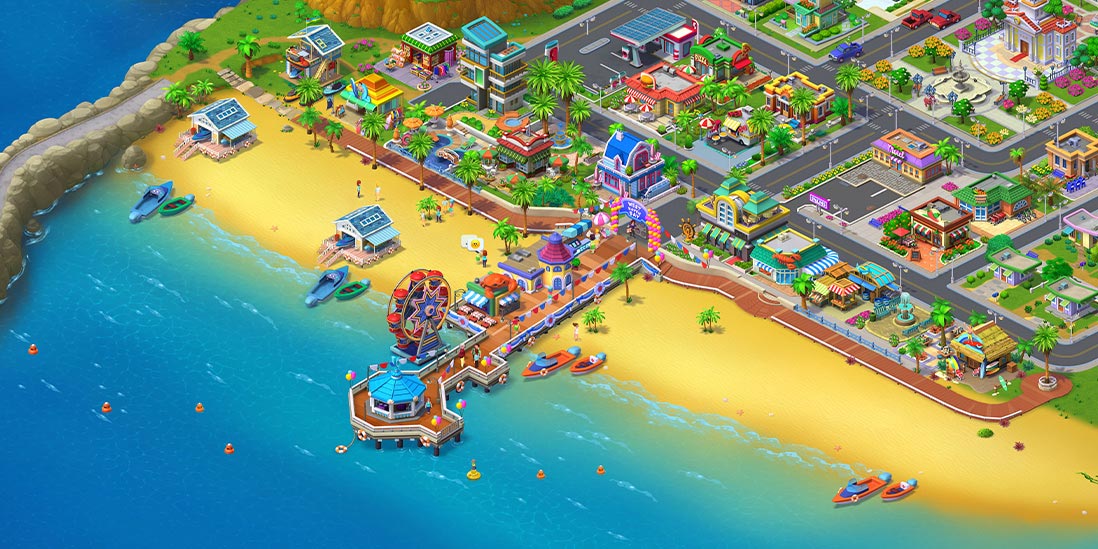
Match Town Makeover®・My Match 3



-
Supermarket Mania® Journey



-
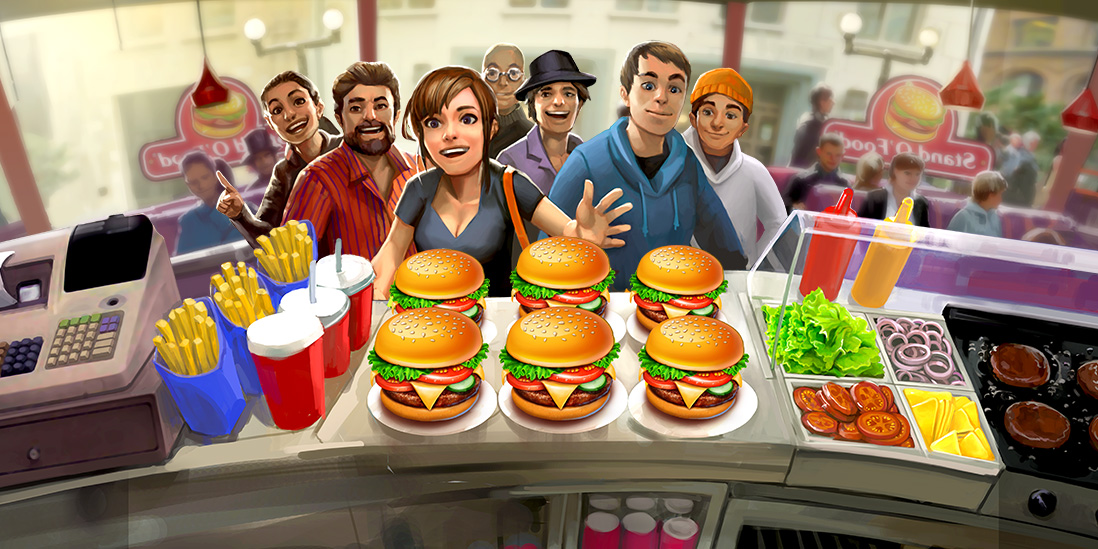
Stand O’Food® City: Virtual Frenzy



-
Supermarket Mania® - Match 3: Shopping Adventure Frenzy



Free cooking games you download once and keep. No browser tab that dies the moment your Wi-Fi drops, no streaming — you install the game on your device and cook whenever you want, online or off. Windows, Mac, iPhone, iPad, Android, tablet: pick yours below and grab a game from its official store.
Download free cooking games on any device
Every game on this page is free to download. Same titles, six ways to get them: the Microsoft Store on Windows, the Mac App Store on Mac, the App Store on iPhone and iPad, Google Play and the Amazon Appstore on Android phones and tablets — plus our own store if you'd rather download straight from the developer.
Six stores instead of one big button, because the store already built into your device is the one that installs safely, updates automatically, and never asks you to trust a random mirror. Tap the badge that matches what you're holding and you're done.
A note on the word free, since aggregators love to blur it. Free to download means exactly that: nothing to pay to install and play. Some titles also offer optional in-app purchases — a coin pack, an extra level pack — and every card says so up front.
What kind of cook are you?
Cooking covers a lot of ground, so the catalog does too:
- Restaurant and time-management — take orders, juggle the grill, beat the dinner rush before the tickets pile up. The classic "one more level" loop.
- Baking — cakes, pastries, decorating. Slower, sweeter, more about the finish than the clock.
- Food makers — build a burger, top a pizza, assemble the sundae. Quick, satisfying, good for short sessions and younger players.
- By dish and cuisine — sushi, pasta, tacos, dumplings, when you already know the meal you're in the mood for.
Each game card tells you which bucket it falls into and which devices it runs on, so you can match the game to your mood and your hardware in one look.
How to download and play
Four steps, no manual required:
- Pick your device — PC, Mac, phone or tablet.
- Open the matching store — tap its badge on the game card.
- Install — the store handles the rest; nothing to configure.
- Play — including offline, once it's on your device.
Want to check a game will run before you install? Each title links to its system requirements — though for these, almost any device from the last few years is plenty.
Play offline, anytime — it's yours to keep
The upside of downloading over playing in a browser: once a game is installed, it's yours. Play on the plane, on the subway, at the cabin with one bar of signal — no connection needed, nothing to stream, nothing that vanishes when a website goes down. Download it on your phone for the commute and your PC for the weekend; same game, both devices, no internet required to cook.
FAQ
Are the cooking games free to download?
Yes. Every game here installs for free from its official store. Some add optional in-app purchases, and each title flags that on its card.
Which platforms and devices are supported?
Windows PC, Mac, iPhone, iPad, Android phones and tablets, and our own store. Individual titles list their exact platforms on each card — not every game is on every store.
Can I play offline after downloading?
Once a game is installed it plays offline.
Are the downloads safe?
Every link points to an official store — App Store, Google Play, Microsoft Store, Mac App Store, Amazon Appstore, or our own. No third-party mirrors, no repackaged installers.
Do they work on Mac and tablet?
Yes — Mac through the Mac App Store, tablets through Google Play, the Amazon Appstore (Fire tablets), or the App Store (iPad). Check the badges on each card for that title's availability.
Are there in-app purchases?
Some titles, not all. Where a game includes them, its card says so, so you know before you install.
Get New Games and Promos with the G5 Newsletter

Join us on social media